How to Customize the Font of Your Assessments
Your assessments are more than just questions—they reflect your brand and style. Customizing the font can help your assessments feel aligned with your website, make them easier to read, an
Read MoreYour assessments are more than just questions—they reflect your brand and style. Customizing the font can help your assessments feel aligned with your website, make them easier to read, an
Read More
When your prospects and clients finish an assessment, a personalized Results email can: Help respondents understand their results Build trust immediately Point to next s
Read More
Uploading assessment questions from a spreadsheet is important because generally that's how you start creating your assessments. You draft questions, refine answer options, assign points or
Read More
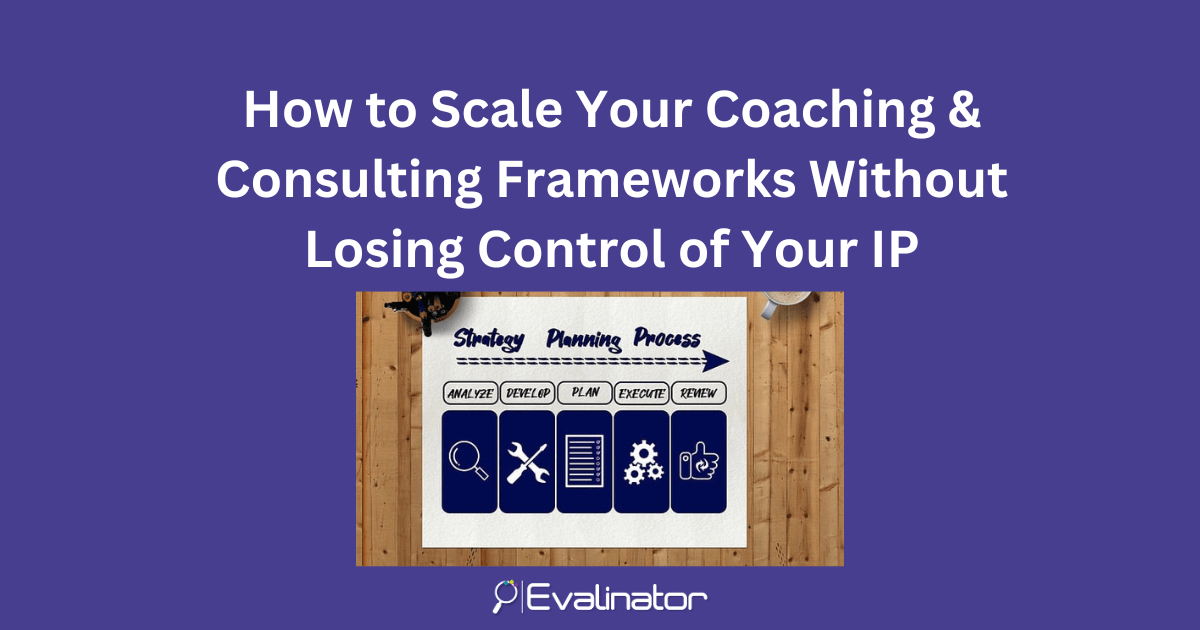
If you’re a coach, consultant, or service professional, you already know how powerful your self-assessments can be for helping clients discover insights and take action. But sometimes,
Read More
In this post, we'll show you how you can embed your assessment / quiz on your site. That way visitors will to interact with your assessment without leaving your website. You can do that
Read More
Say goodbye to writer's block and easily schedule tailored social media posts with Evalinator! Sharing consistently on social media helps you: Reach clients Build your brand as an
Read More
As a coach, consultant, or expert, you want your assessments and quizzes to feel fresh and engaging. Sometimes, that means shuffling the order in which questions appear. Shuffling question
Read More
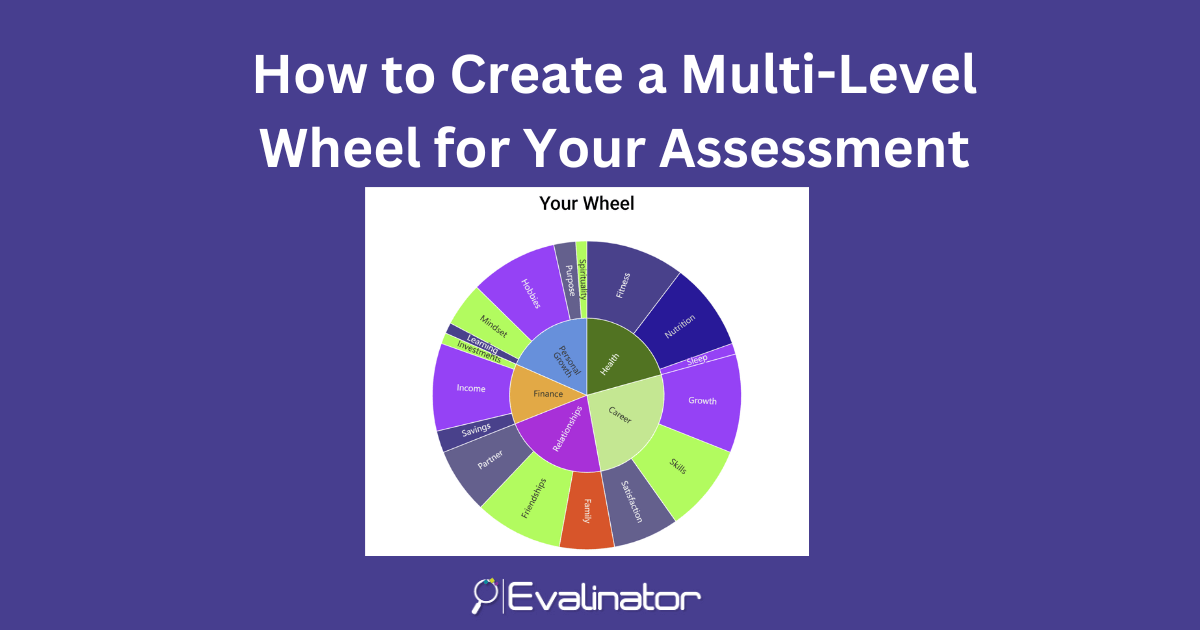
Evalinator has a unique feature that allows you to show categories and questions on the same chart - a multi-level wheel. Thanks to our customers who help prioritize the features on our road
Read More
For any expert, authority building is crucial. But creating a framework, let alone an interactive assessment, can feel like a creative mountain to climb. Even when you know your audience an
Read More
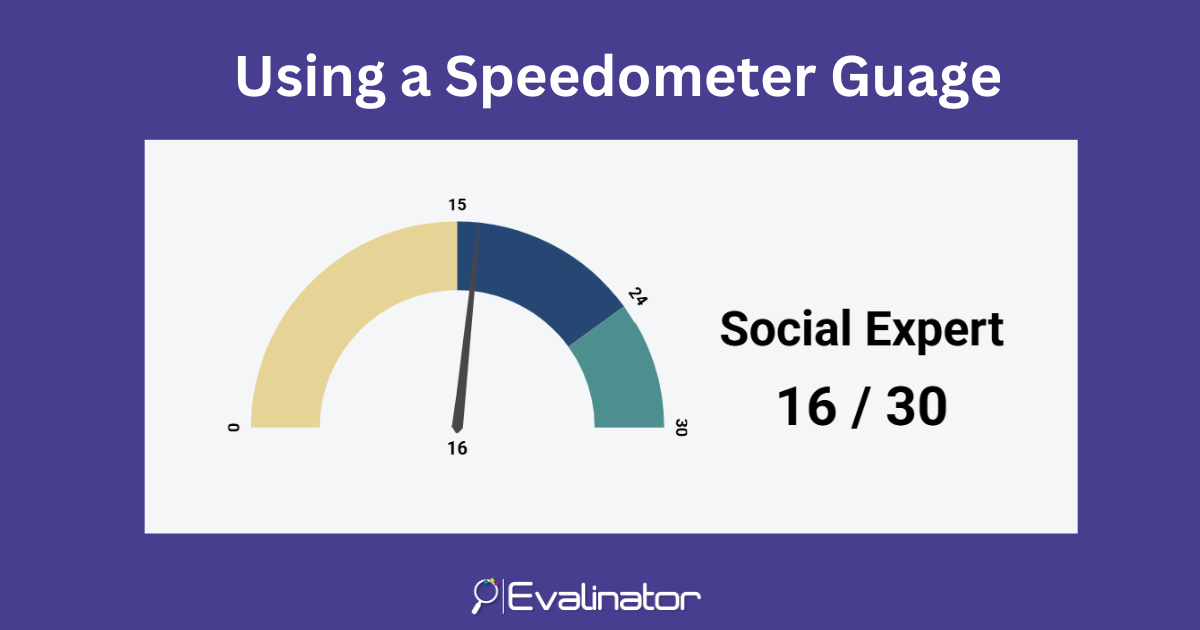
Adding a speedometer gauge to display results of your assessment or quiz is a powerful way to visually convey performance at a glance. Whether you're showing progress, overall score, or c
Read More
You can easily add a custom testimonials section to both your landing and results pages. Your landing page is where potential clients decide whether to engage with you. (read about th
Read More
Save & Resume later feature improves completion rates and allows you to generate more leads with better data. However, when quizzes and business assessments are long, respondents may
Read More
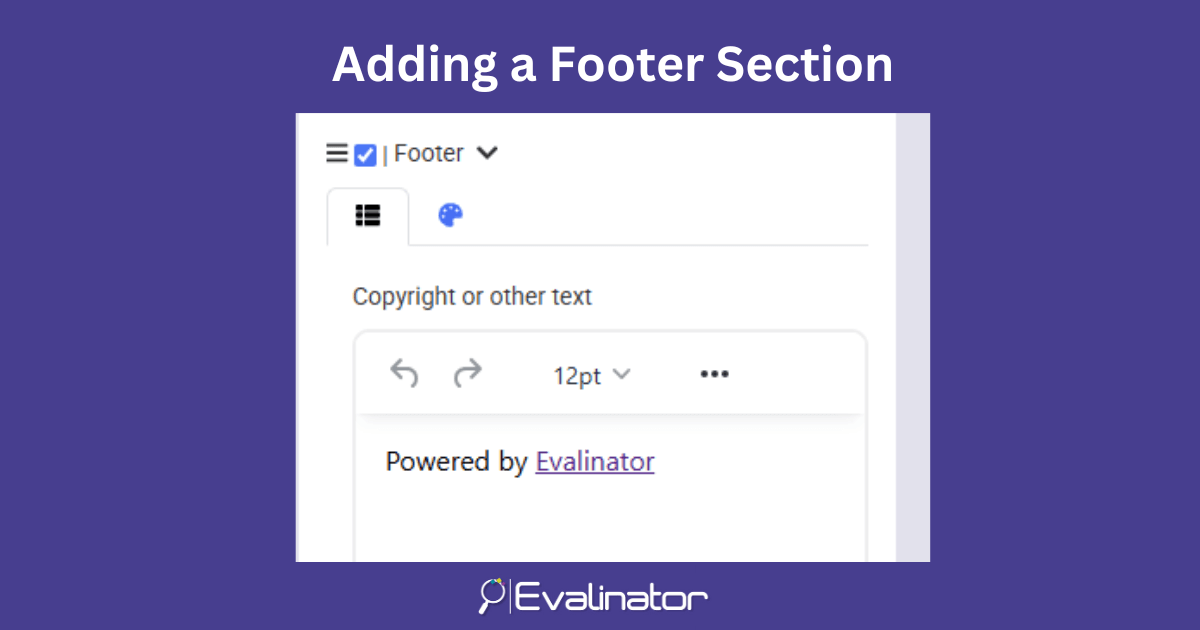
Along with other custom sections and layouts, now you can add a footer to your assessments and quizzes. A well-designed footer can provide important details and branding to your assessmen
Read More
Congratulations on getting started with your interactive assessment on Evalinator! This guide will help you channel your expertise into an interactive assessment which will serve as
Read More
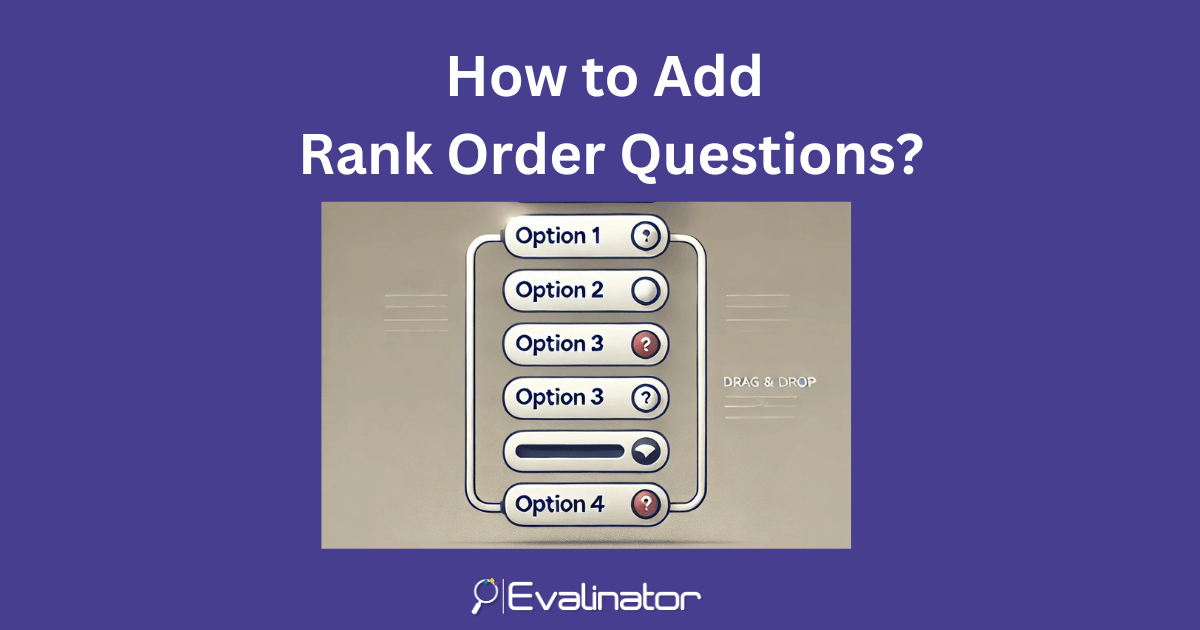
A new question type, Rank Order Questions, is now available on Evalinator. Rank order questions can enhance the overall quiz or assessment experience. They help you dive deeper into speci
Read More
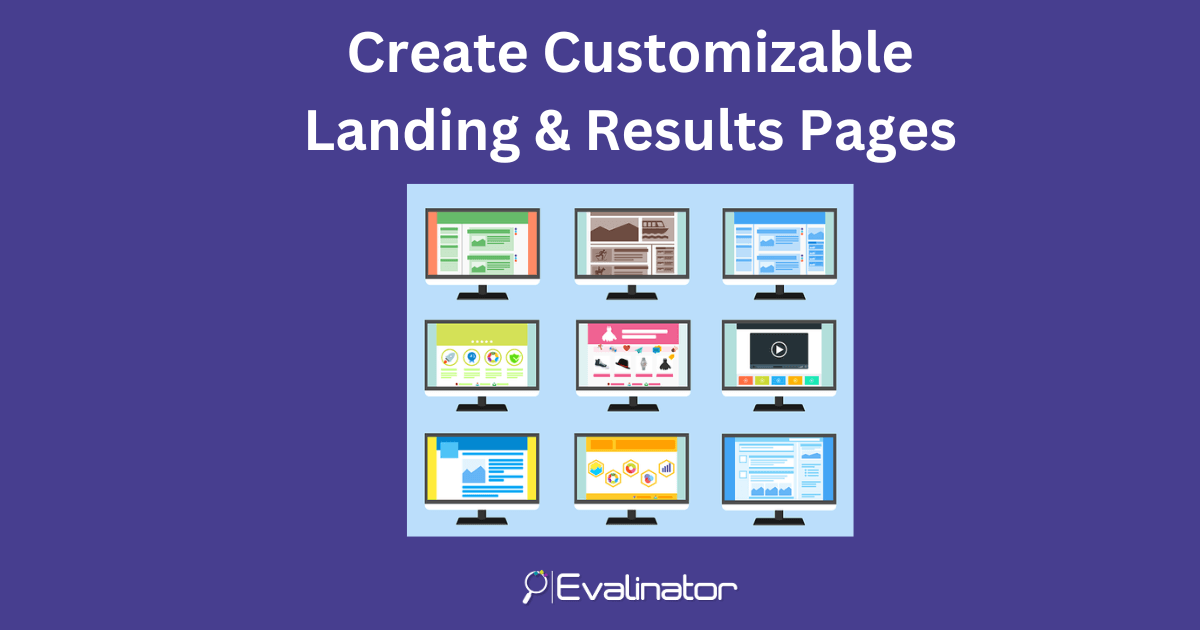
Every quiz has a landing page, a series of questions including a sign up page, and then a results page. Evalinator also allows you to customize your landing and results pages. This allows
Read More
Sometimes, you want to create locked pages - e.g. restrict an assessment to only a subset of your users. For example, restrict access only to those who have signed up to your course. N
Read More
Sometimes, you want to add additional users who will help you create and edit assessments, and do other things. In this post we'll show you how you add other people to your account. No
Read More

Adding videos to your Wheel of Life or other custom assessments makes it a very immersive experience. An assessment is a great addition to your course or community. Whether it's a DISC, S
Read More
Sometimes, you want to request more information from users about why they selected a particular response. For example, if you use a custom Wheel of Life as part of your client onboarding,
Read More
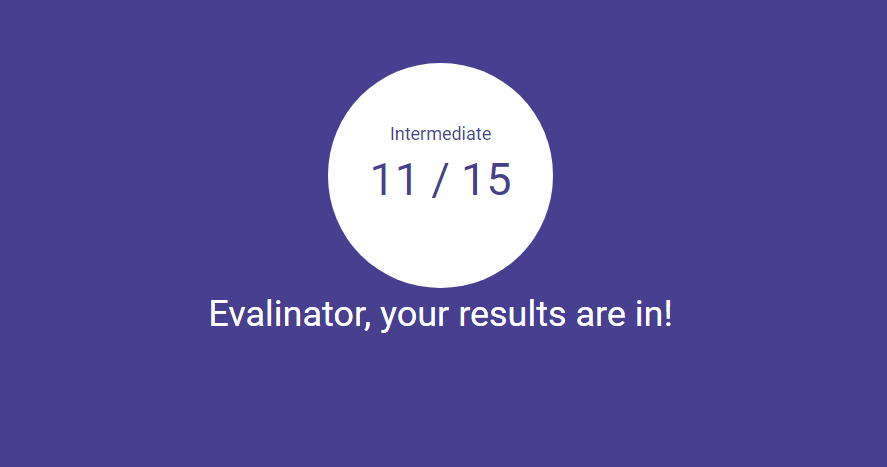
Goal setting and tracking results over time is an integrated feature of your Evalinator assessments and quizzes. This allows you to: Follow up in a personalized way Engage using w
Read More

Sometimes, you want to customize the small little things in your assessment. A good example is when you are making an assessment for a non-English audience. In that case, almost every text e
Read More
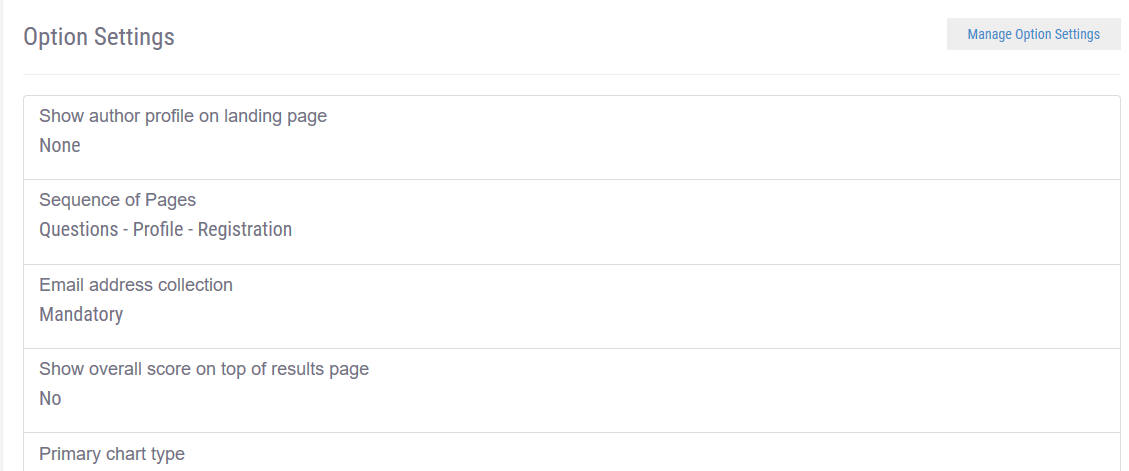
You can connect Kajabi to your assessments and quizzes such as the Wheel of Life. That way, when clients take your assessments, the information is automatically available in Kajabi. As
Read More
If you have a Wheel of Life, a personality assessment, or a scored assessment that has more than 10-15 questions, you may want an option to show multiple questions on the same page. That
Read More
If you use Evalinator assessments and quizzes as lead magnets, i.e. one of your aims is to get new clients into your pipeline, then this feature allows you more ways to capture email address
Read More
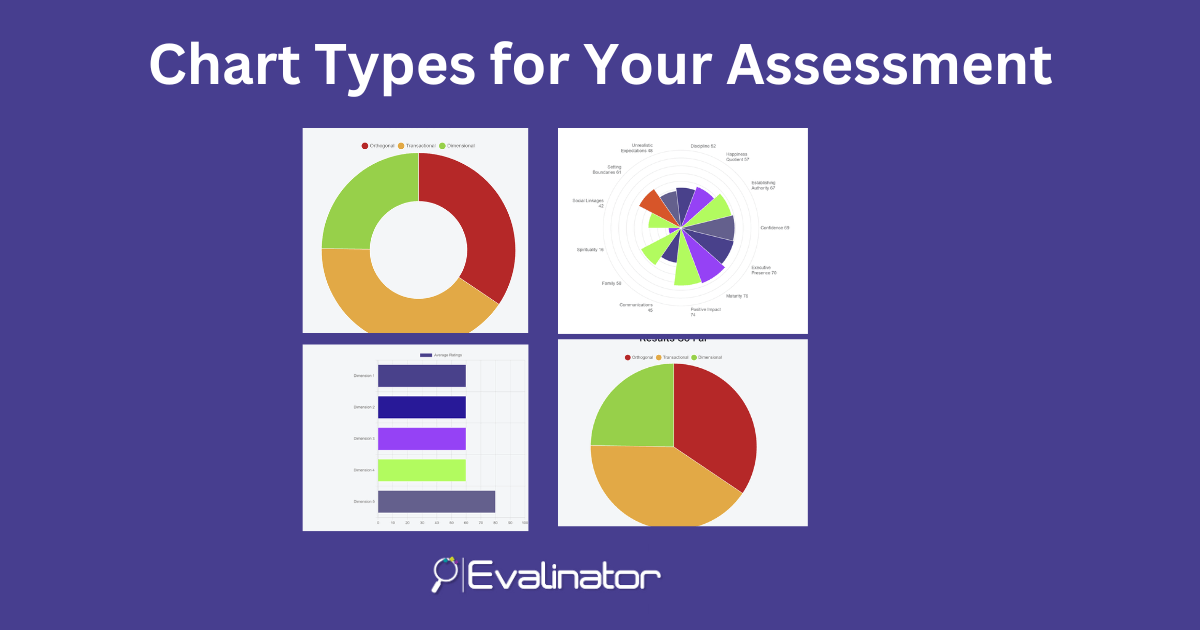
Every assessment or quiz needs a different chart type to convey its results. That's why Evalinator offers multiple chart options. Let's review the types of charts first. The 6 Major C
Read More
In this post we'll show you how to link a promotion or a lead magnet to promote your assessment, and vice versa. That way you can amplify the effect of your client engagement efforts and boo
Read More
Evalinator is on Zapier so you can easily automate your sales and marketing workflows by connecting your quiz or assessment to systems such as Hubspot, Salesforce, MailerLite, and so on!
Read More
In Evalinator, every interactive assessment is ultimately a series of questions. Each question has multiple response options with points assigned. At the end of the assessment, the goal for
Read More
Evalinator provides you with a lot of flexibility and scoring options for your interactive assessment or quiz. You also have different types of assessments and option settings available to
Read More
You can customize and tailor your assessment to provide an optimal experience to your respondents. Since Evalinator aims to offer you a lot of control in how you can configure your assess
Read More
Before publishing, you'll likely want to customize the colors you use in your quiz or assessment so that they match with the branding of your website or logo. You can also edit the colors
Read More
Interactive assessments or quizzes can can be used to start a conversation with clients, build trust, and help them achieve their goals. As a result, they are excellent tools for growing you
Read More